Updated 2026: This error is still common in poorly configured multilingual WordPress setups, especially on shared servers with firewall or memory limits.
If your website stops loading when you enable WPML in WordPress and the browser shows the error:
ERR_CONNECTION_RESET
It’s no coincidence.
And in most cases, it isn’t directly WPML’s fault.
This error means the server is closing the connection before the request completes. When you enable WPML, it simply triggers processes that expose a deeper configuration problem in the hosting or the server.
In this technical guide we explain what this error really means, why it happens and how to fix it properly.
What does the ERR_CONNECTION_RESET error mean in WordPress?
Quick summary
- ERR_CONNECTION_RESET means the server is cutting the connection.
- Enabling WPML increases resource usage.
- The problem is usually in the firewall, memory or hosting.
- The fix involves reviewing the server configuration.
If your website goes down right when you enable WPML, this is what’s really going on.
The ERR_CONNECTION_RESET error means the server interrupts the connection while the browser is trying to load the page.
- It isn’t a classic 500 error.
- It isn’t a visible PHP failure.
- It’s an abrupt disconnection.
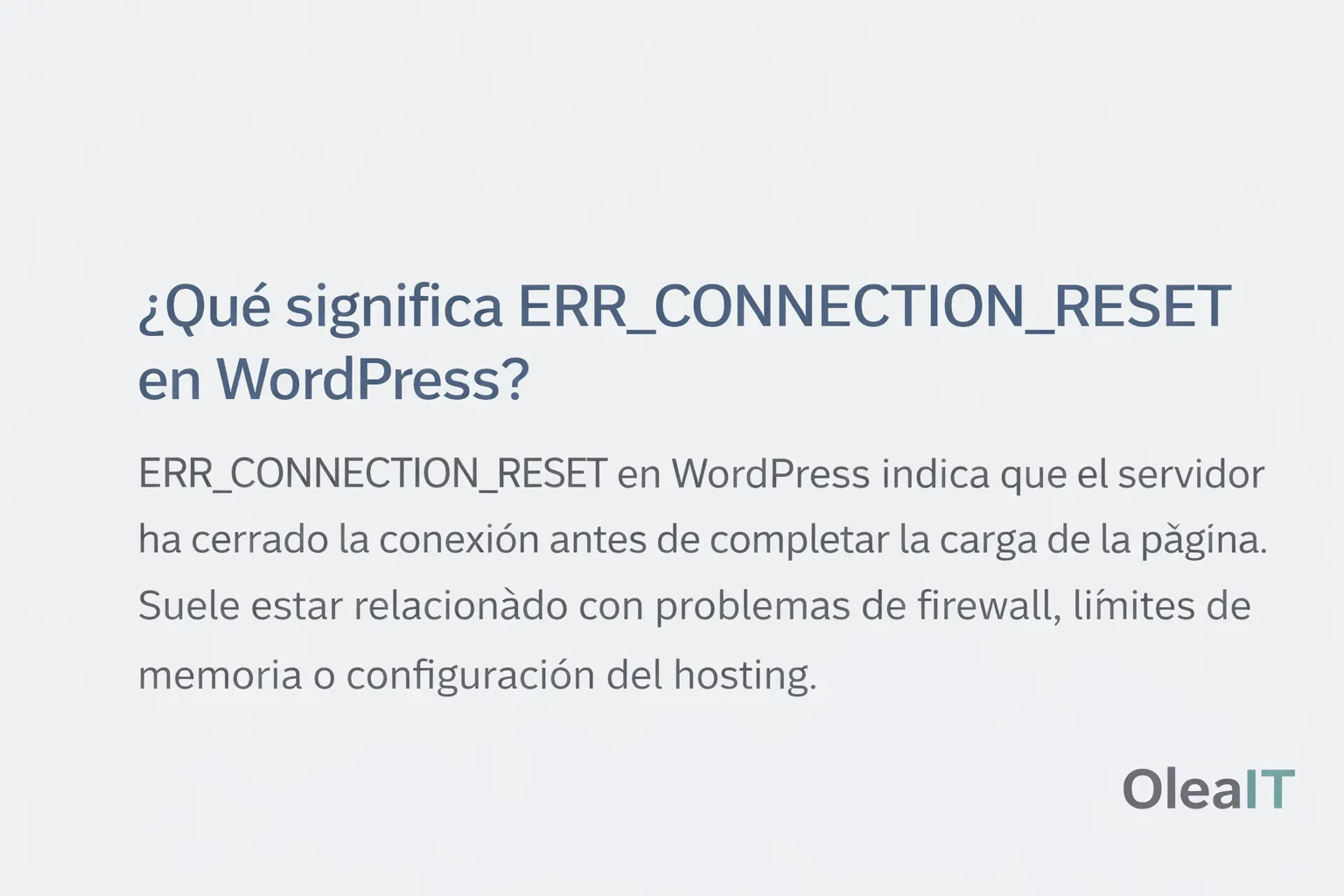
In WordPress it’s usually related to:
- Firewall rules (mod_security)
- Insufficient PHP memory limits
- Server timeouts
- Hosting restrictions
- Misconfigured rules in .htaccess
- An external proxy or firewall (Cloudflare, CDN)
When you enable WPML, the system runs more queries and internal processes. If the server is misconfigured or running close to its limits, the connection gets cut.
Why does ERR_CONNECTION_RESET appear when you enable WPML?
WPML adds technical complexity to the installation:
- Multilingual URL management
- Link rewriting
- Additional database queries
- Translation processing
- Integration with taxonomies and metadata
This means:
- Higher memory usage
- Higher CPU load
- Longer-running processes
If the server is limited or misconfigured, the connection drops.
WPML doesn’t break the website. The server isn’t ready for it.
In some cases, the problem can show up as a 500 error in WordPress instead of a dropped connection. Although both are server-related, the 500 error points to a different internal failure. You can read the full guide to fixing it here:
How to fix the 500 error in WordPress
Main technical causes of ERR_CONNECTION_RESET with WPML
1. mod_security blocking requests
Many hosting providers use mod_security to protect the server.
Some rules may treat WPML’s complex requests as suspicious and block them.
What to do:
- Ask your hosting provider to review the logs
- Request an exclusion for specific rules
- Temporarily disable mod_security for testing
2. Insufficient PHP memory limit
WPML needs more memory than a basic installation.
Check your wp-config.php file:
define('WP_MEMORY_LIMIT', '256M');
define('WP_MAX_MEMORY_LIMIT', '512M');
For multilingual WooCommerce we recommend at least 512M.
3. Server timeout or interrupted processes
If the server cuts long-running processes, the connection is reset.
Check:
- max_execution_time
- memory_limit
- max_input_vars
- request_terminate_timeout
4. External firewall or proxy (Cloudflare, CDN)
If you use an external firewall or a reverse proxy, there may be rules blocking admin or AJAX requests.
You need to review the firewall logs.
5. Misconfigured rewrite rules
WPML changes structures such as:
- /es/
- /en/
- Subdomains
- Per-language domains
If the .htaccess file is corrupted or badly generated, it can break page loading.
Quick fix:
- Go to Settings → Permalinks
- Save without changing anything
- Regenerate the .htaccess file
How to properly diagnose ERR_CONNECTION_RESET in WordPress
Don’t start by disabling plugins at random.
- Enable WP_DEBUG
- Check the server’s error_log
- Ask your hosting provider for the logs
- Temporarily increase memory
- Check whether it happens on the front end or only in the admin
- Disable mod_security for testing
- Test in a staging environment
Diagnose first, patch later.
Is it a WPML problem?
In most cases, no.
WPML simply demands more resources and reveals the limitations of the environment.
A professional multilingual WordPress site needs:
- Optimized hosting
- Correct configuration
- Sufficient resources
- A properly tuned firewall
When should you change hosting?
If your provider:
- Doesn’t give you access to logs
- Can’t adjust mod_security
- Limits your memory to 128M
- Doesn’t understand advanced WordPress
You’re not in the right environment for a serious multilingual project.
Request a professional WordPress audit
If your website:
- Goes down when you enable WPML
- Shows connection errors
- Is slow or unstable
- Is a multilingual WooCommerce store and keeps failing
At OleaIT we carry out complete technical WordPress audits:
- Server analysis
- PHP configuration review
- Firewall and security diagnosis
- Performance optimization
- Multilingual architecture assessment
- Real-world technical recommendations
Request your professional WordPress audit now and find the real problem before it affects your business.
Frequently asked questions about ERR_CONNECTION_RESET and WPML
Does uninstalling WPML fix the error?
No. It only hides it. The underlying server configuration problem will still be there.
Could it be a conflict with another plugin?
Yes, especially security or firewall plugins, although the root cause is usually the server.
How much memory does WordPress need with WPML?
At least 256M is recommended for small sites and 512M for WooCommerce or large projects.
Can it affect SEO?
Yes. If Google keeps running into connection errors, it can affect crawling and indexing.
In summary
ERR_CONNECTION_RESET when you enable WPML isn’t a bug. It’s a sign that the technical environment isn’t configured correctly.
A professional WordPress project needs the right infrastructure and correct technical configuration.
If you want to fix the problem at its root and avoid temporary workarounds, you need a professional review.